To access your exercise programs, sign in to Embodia either on the Mobile App, or the website.
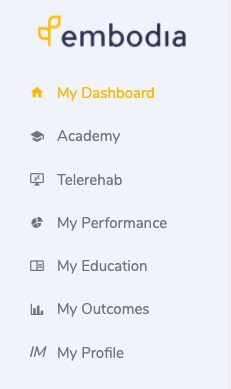
On the website, click on 'My Dashboard'.
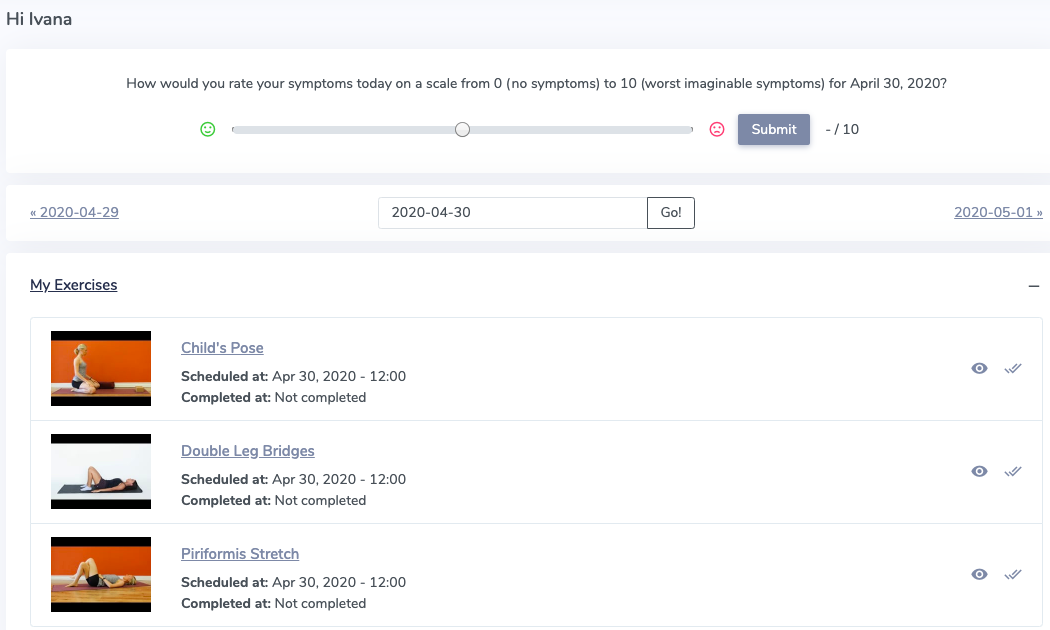
This will bring your to your programs. You may be asked to rate your symptoms if your therapist has included outcome measures. You will be able to see what exercises you have been prescribed and need to perform.
Completing your program:
To view your exercise instructions, click on either the exercises name, or the 'view' icon:

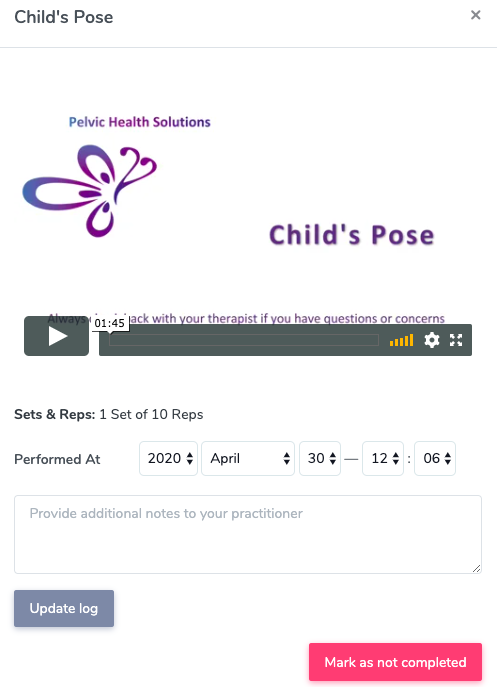
This will open up a video of the exercise, and instructions set by your therapist on how many Sets and Reps to complete.
You can add notes to your practitioner here, and then click 'Update log' to complete the exercise.
You can also mark the exercise as completed by clicking the 'checkmarks' next to the exercise.
